
Now that the printer is set up, configured, and that the BadgeIt printing client is ready for use, we can set up the PC to double as a helpdesk.
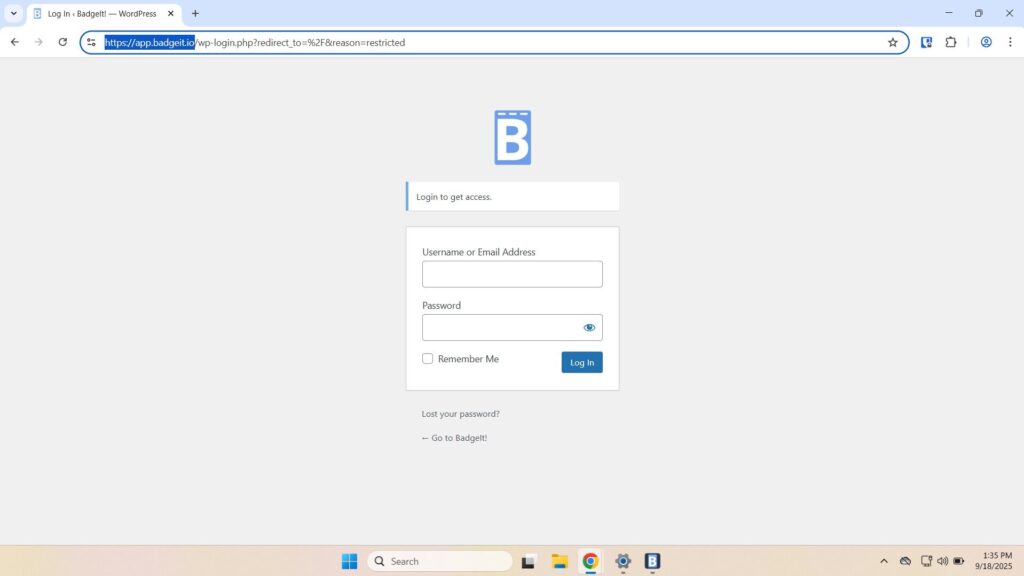
For example, you can use that help desk to manually trigger badge prints.Open Chrome and go to app.badgeit.io, then log in.
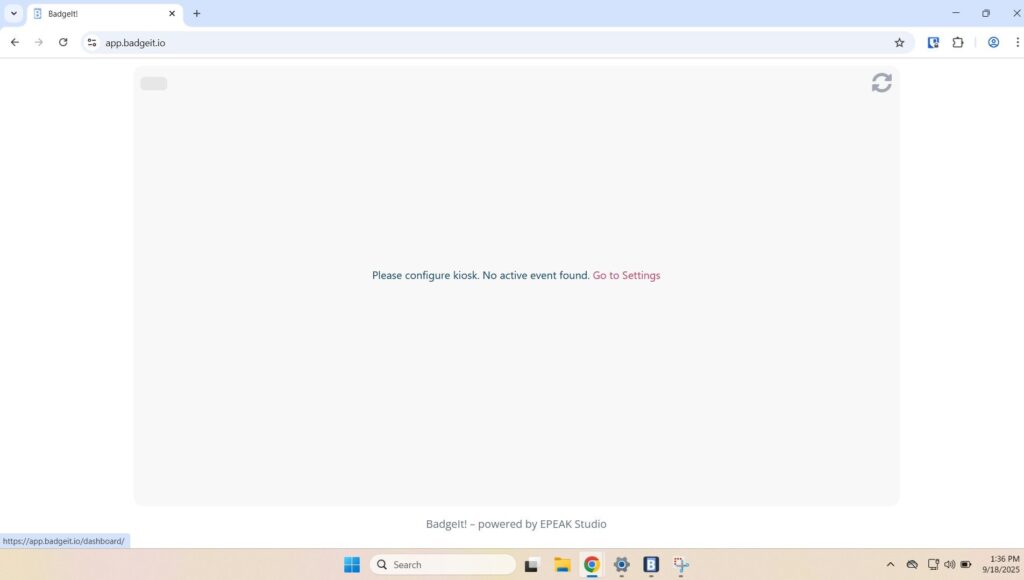
The website will prompt you to configure the kiosk or activate an event; follow the link to “go to settings”.
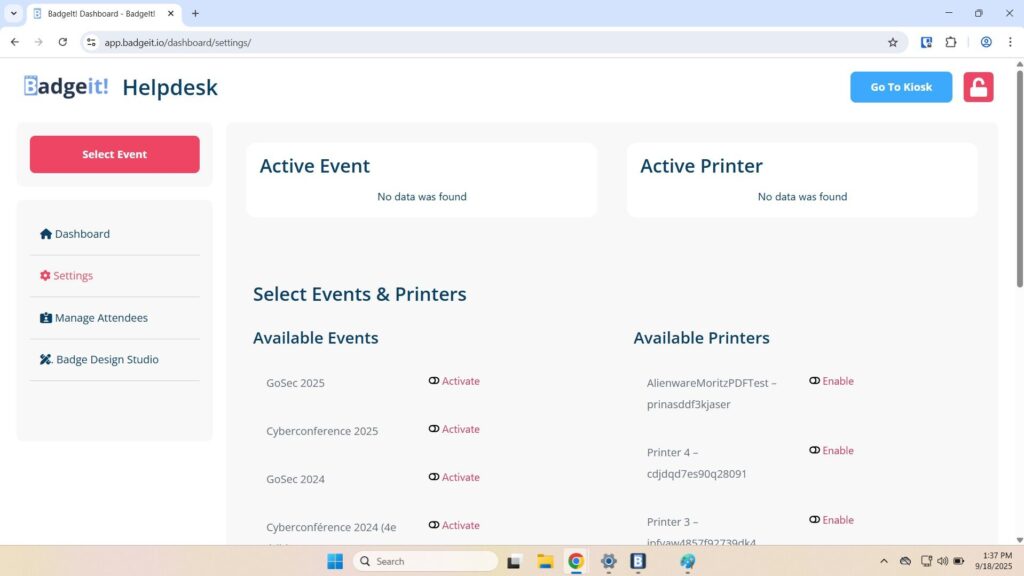
Click “Activate” for the desired event and printer.
- After configuration, you can navigate to the dashboard to access your event metrics
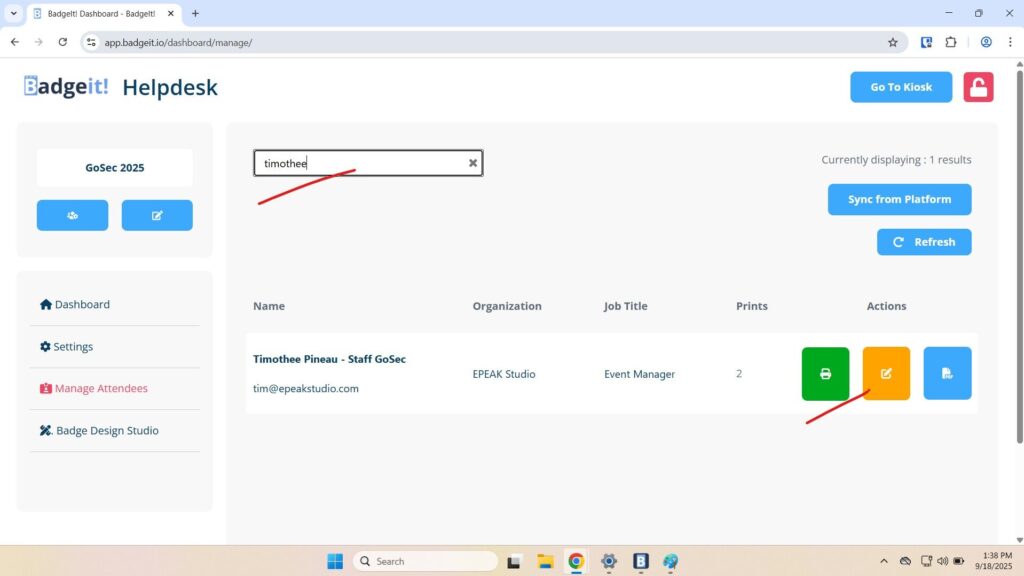
- You can also navigate to “Manage Attendees” to manually search for people and trigger prints.
That’s it, your BadgeIt system is ready to go!