Table of Contents
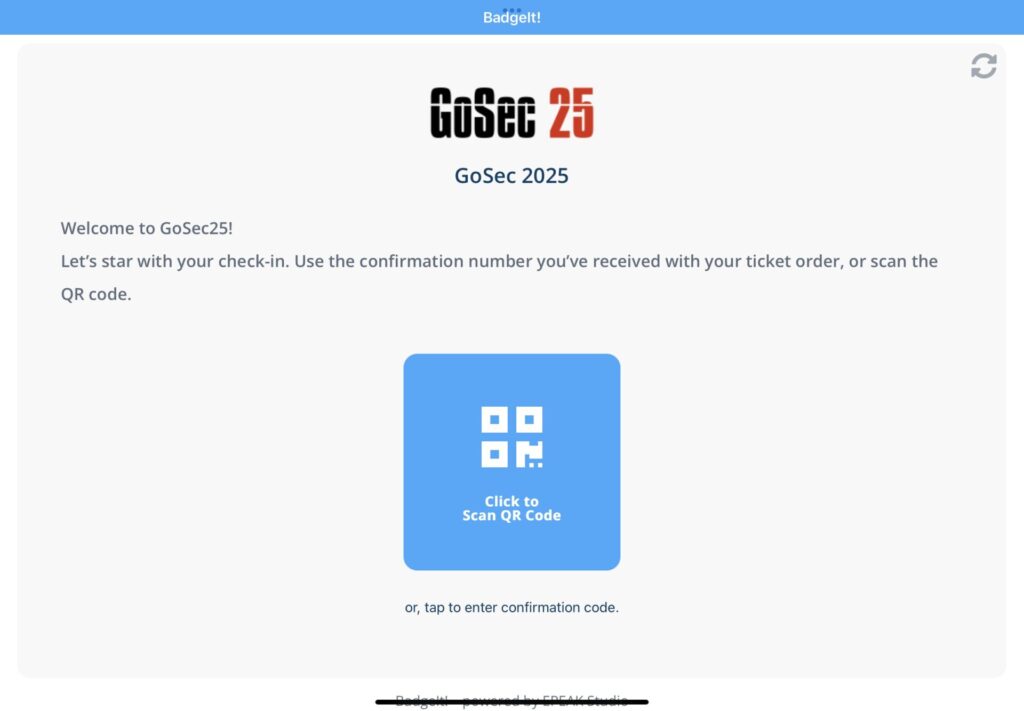
BadgeIt! offers self-check-in for attendees with badge printing stations. Those stations are an iPad, on a stand, with the BadgeIt! check-in page open in full-screen.
To set up a badge scanning station, follow these steps.
iPad setup #
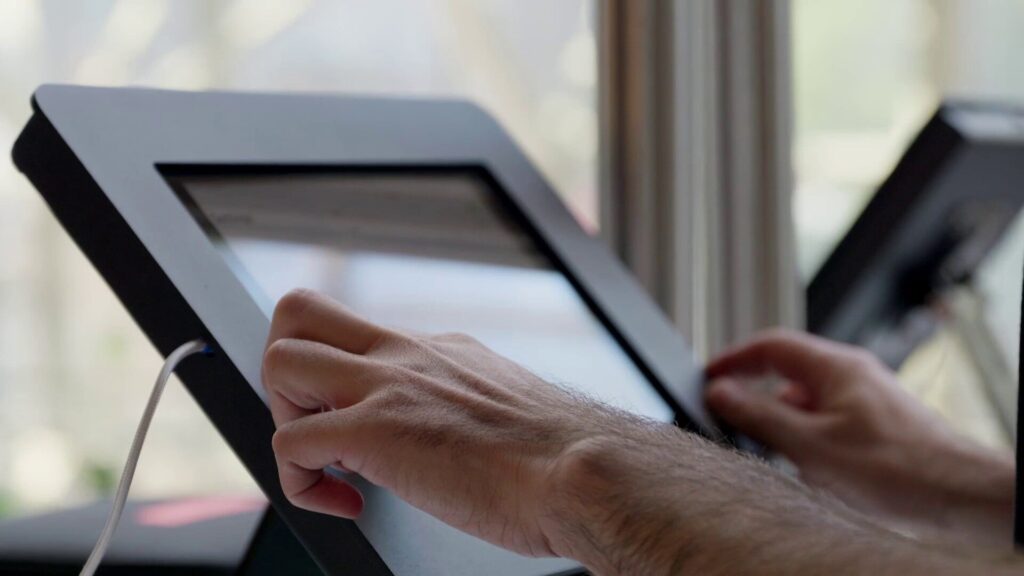
Place an iPad into the iPad stand in the location of your choice. Connect the power cable to the iPad and to an appropriate charger.
- Make sure that the iPad is secure in its stand
- Make sure the power cable is secure
Software setup #
Open the web browser on the iPad and navigate to https://app.badgeit.io/
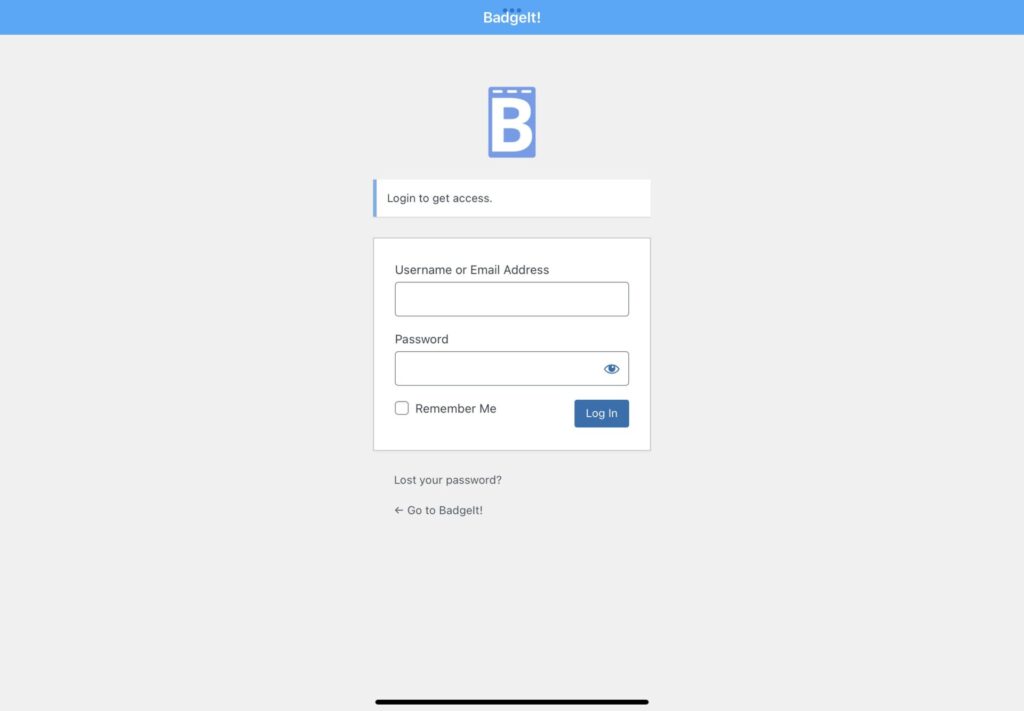
Log in, and click on Go to Settings in order to configure your kiosk
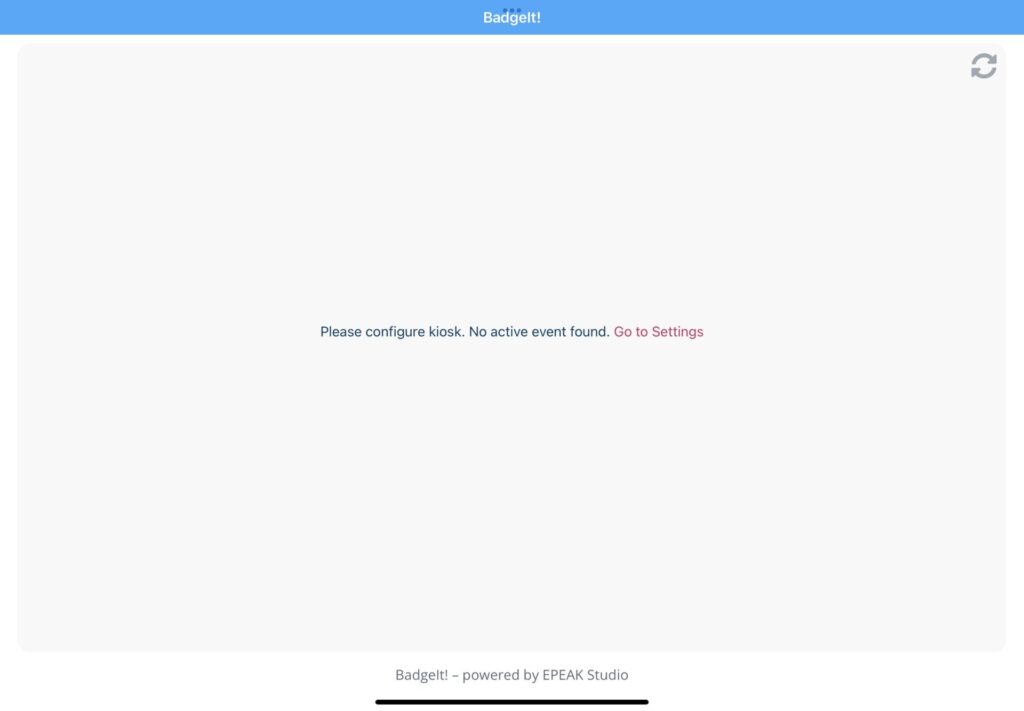
Select the correct event by clicking on “Activate”. Then, select the printer that this kiosk should send the badge prints to.
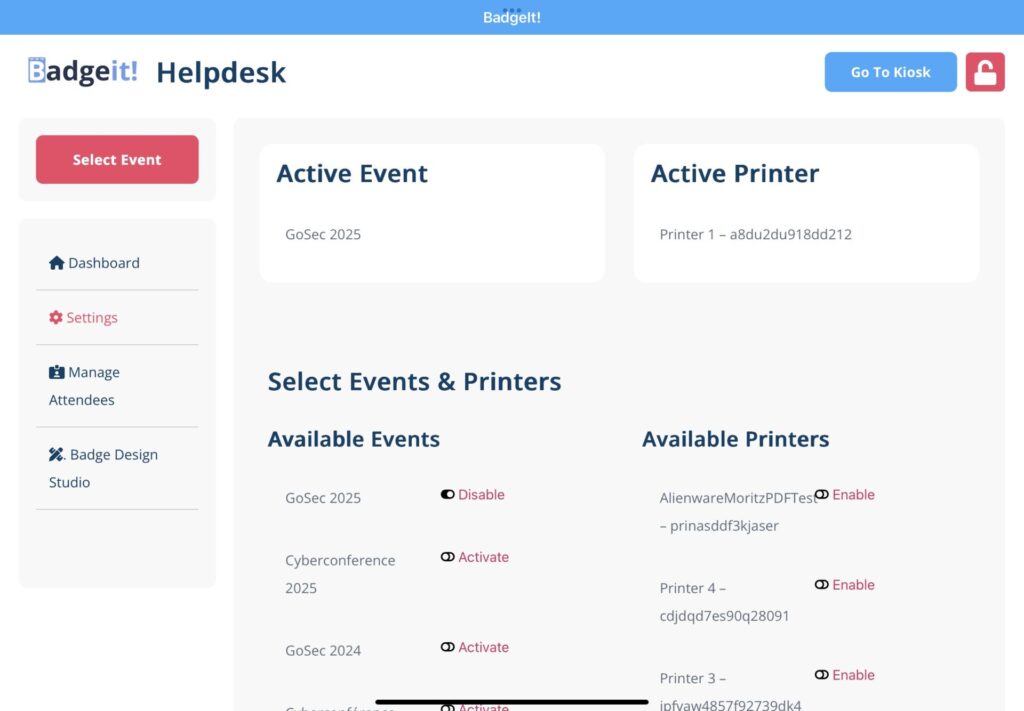
Click on the “Go to Kiosk” button to go back to the kiosk – your badge scanning station is ready!