Table of Contents
BadgeIt! uses the Epson C4000U badge printer. Before setting up the BadgeIt system, you need to unpack, set up and perform checks on your printer.
This includes
- Labeling your printer
- Powerup and network connections
- Updating printer settings in the printer interface
- Checking the front of the printer
- Checking the back of the printer and loading paper
Labelling your printer #
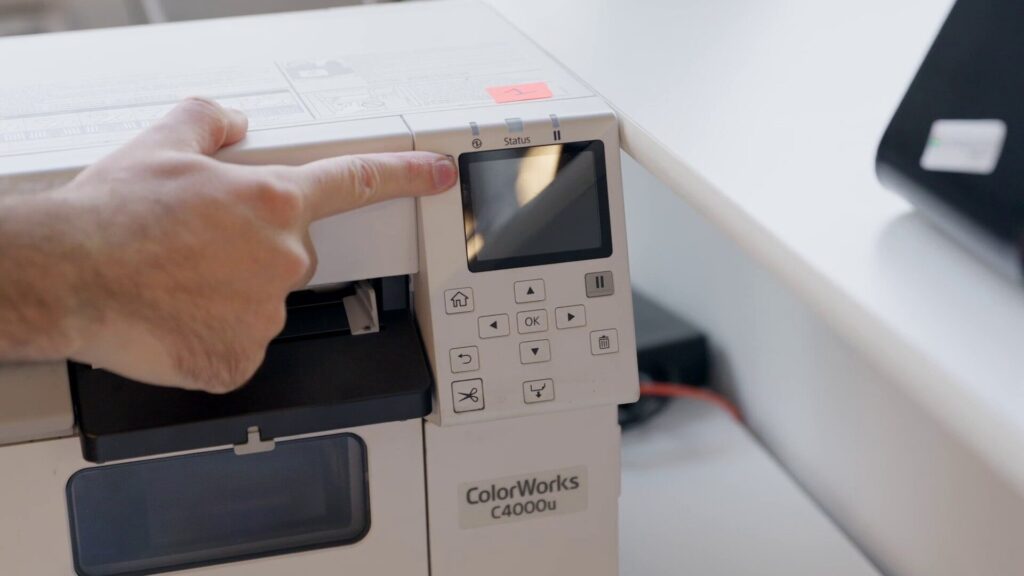
We recommend always labelling your printer to avoid future confusion.
For example, use brightly colored gaffer tape and write your printer number on it.
Connecting power and network #
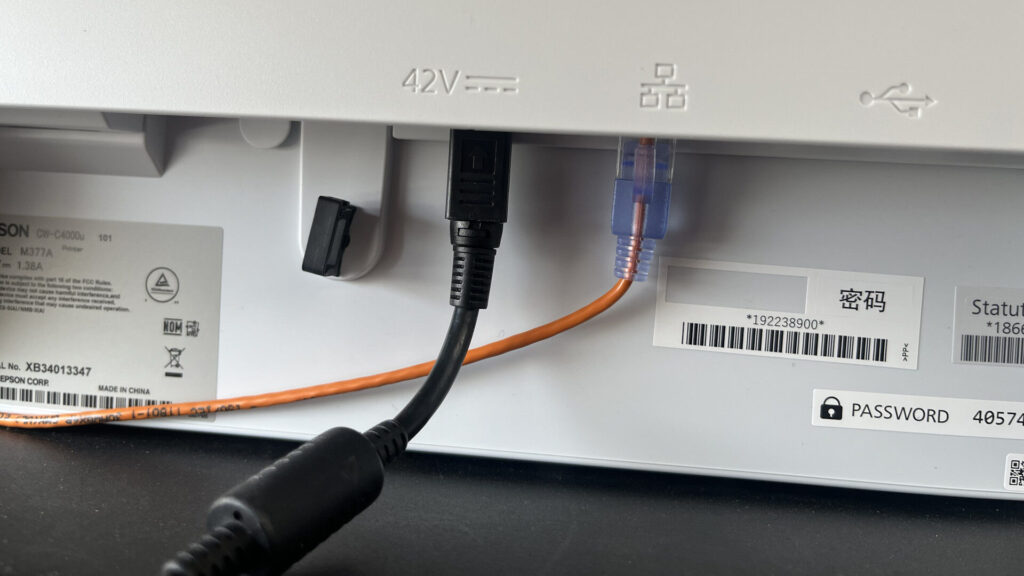
Connect the power cable to the mains and to the printer. Connect the network cable to your network switch.
ℹ️ Connect the printer to the same network switch as the BadgeIt printing client / helpdesk computer
Make sure that the power cable and the network cable are connected properly.
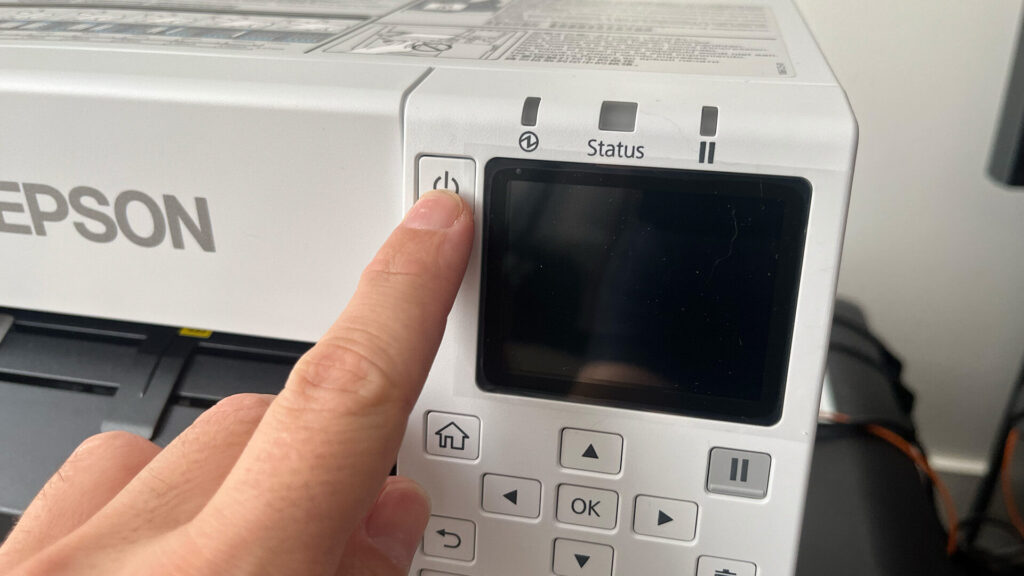
⚠️Turn on the printer by long-pressing on the power button. Wait for the machine to start up – powerup can take a while.