
Before loading paper, check the printer’s condition and settings.
Open the front tray of the printer.
⚠️Watch out for the yellow Danger symbol. It marks the position of the sharp badge cutting blade. Do not touch this blade, you may hurt yourself.

Blue Handle: Make sure that the blue handle is pressed down.
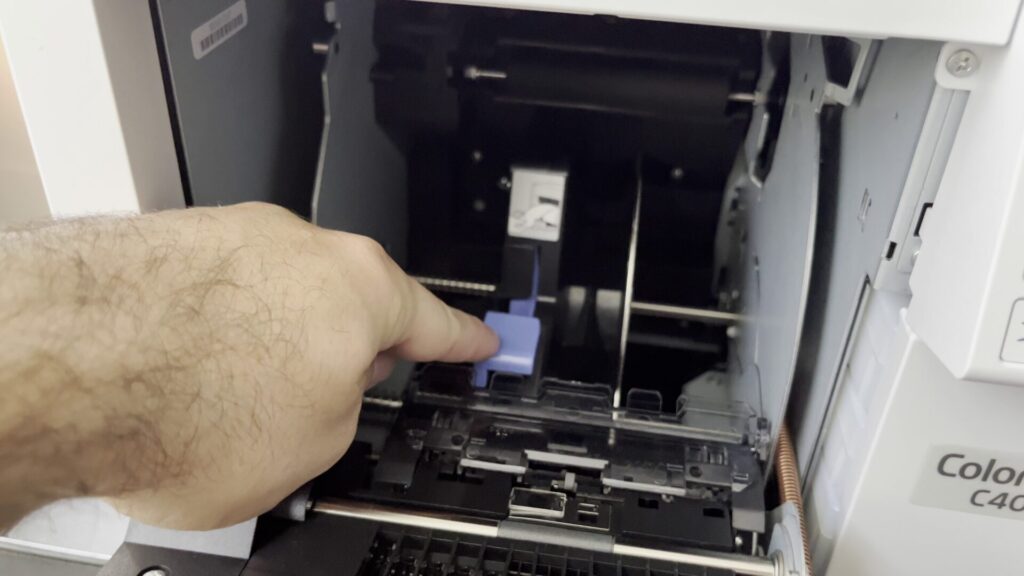
Plastic Guide: Make sure the transparent plastic guide is attached. It is required for the printer to work with fanfold paper. If it isn’t present, it can be found attached to the back tray flap.
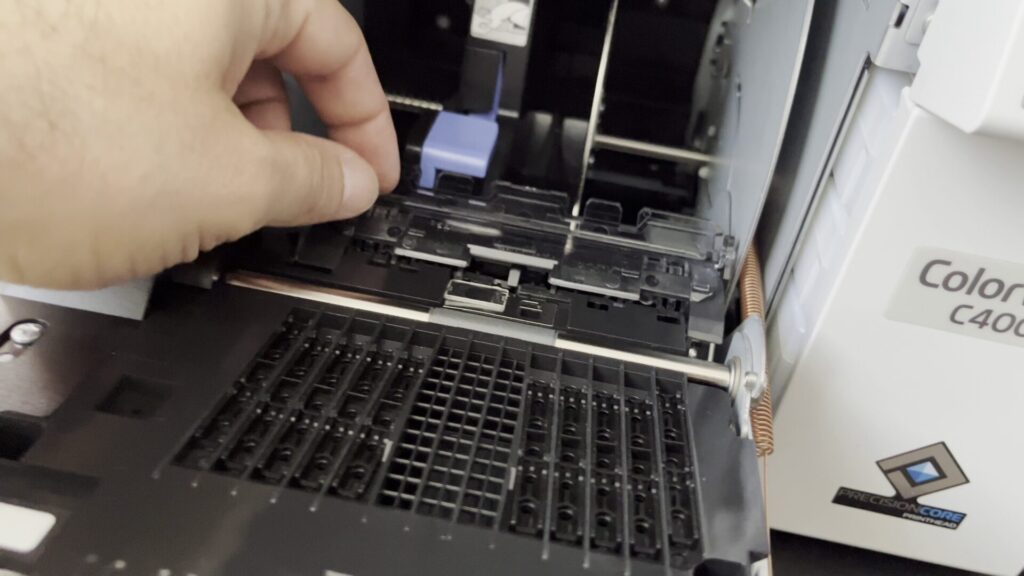
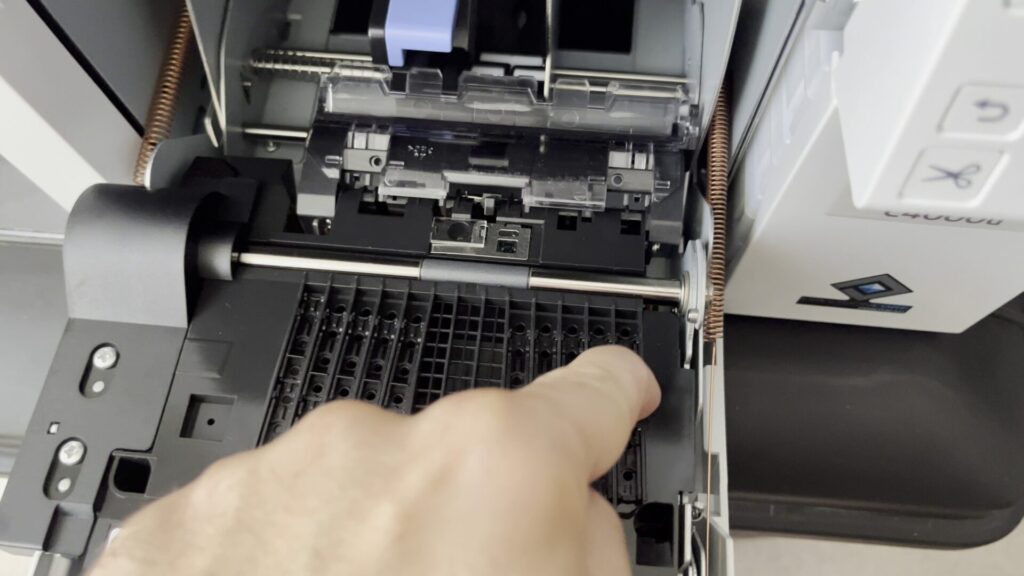
Size Guide Pins: BadgeIt uses 4×12 paper to print badges that will be folded in two, resulting in a recto-verso 4×6 badge.
For this 4×12 paper, the size guide pins should be set with all pins down, except for the one on the left, and the one on the right.
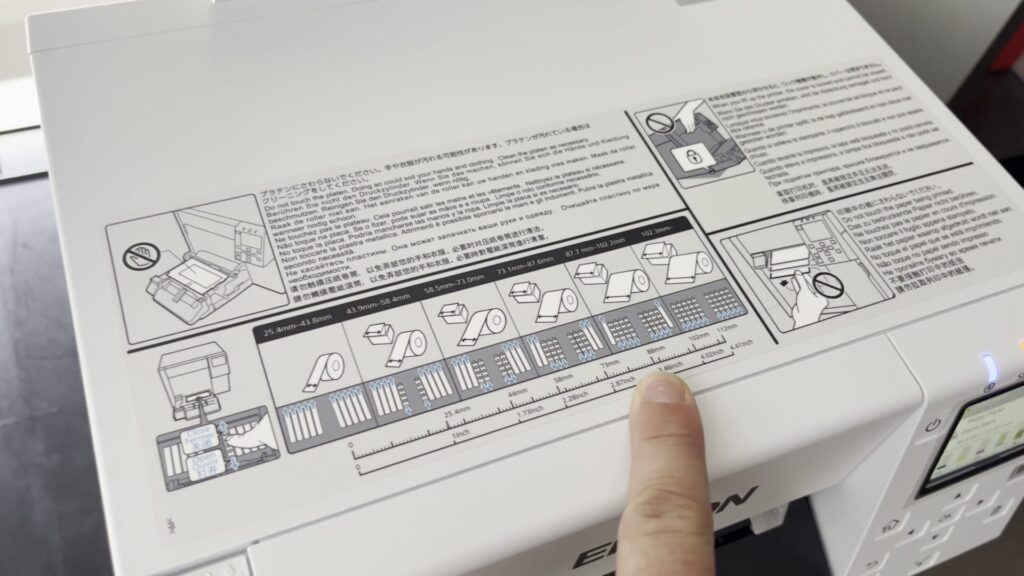
Refer to the sizing guide on top of the printer if necessary.
Once these checks are complete, close the front of the printer.
Closing the Printer: If the printer doesn’t register that the front is closed, try slamming it a little bit harder, but not too hard.